Billing
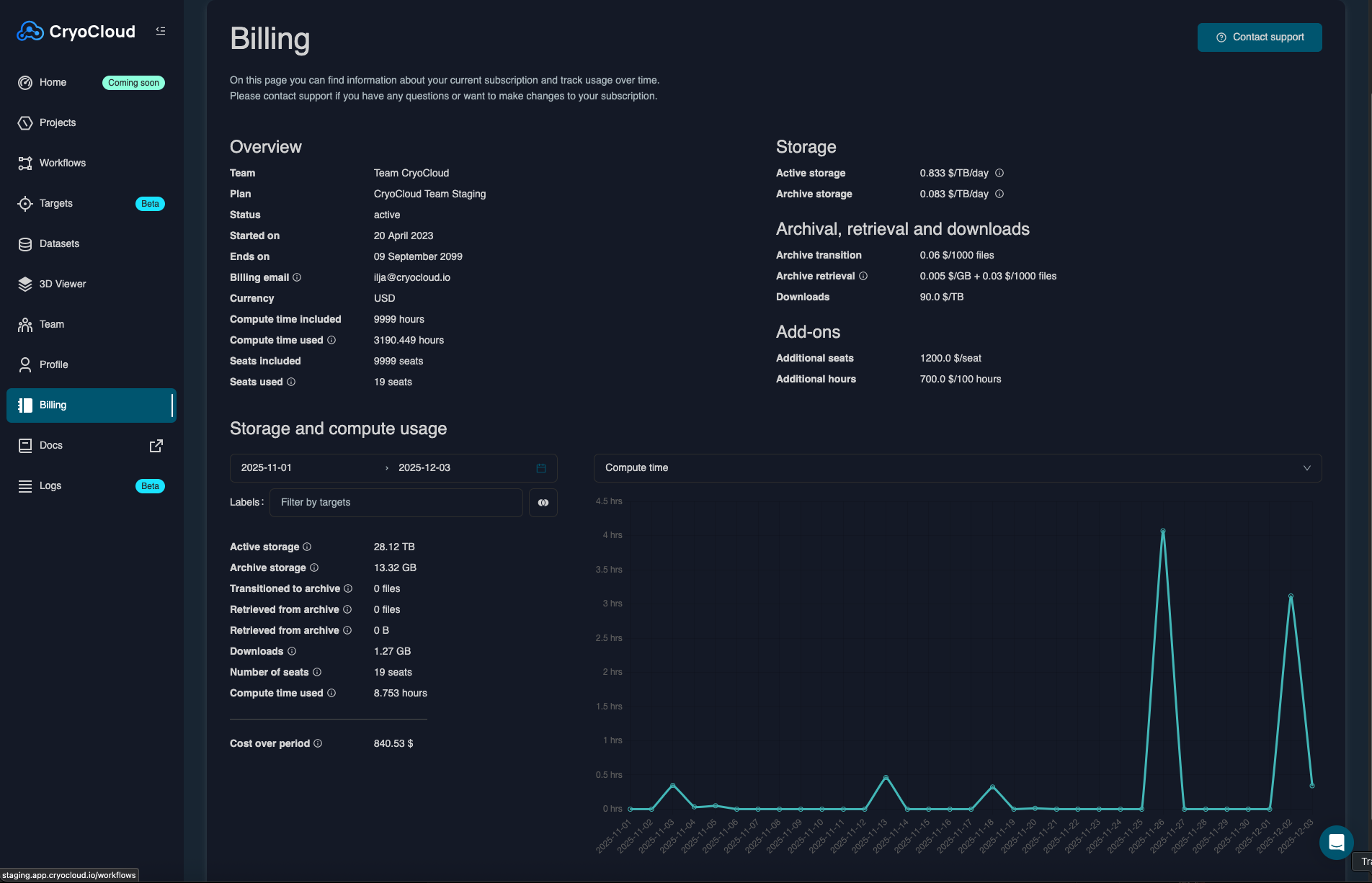
The Billing Page provides information on your current subscription plan and allows you to monitor all your cloud resources for a given time period.
Main actions
Review plan details
The Overview at the top summarizes your current subscription plan and lists start and end dates, as well as the included resources. The right display the unit costs for your resources (e.g. storage and hourly compute costs)
Monitor resources
On the bottom multiple tools provide functionalities to monitor your cloud usage.
- Specfiy the time period in the calendar.
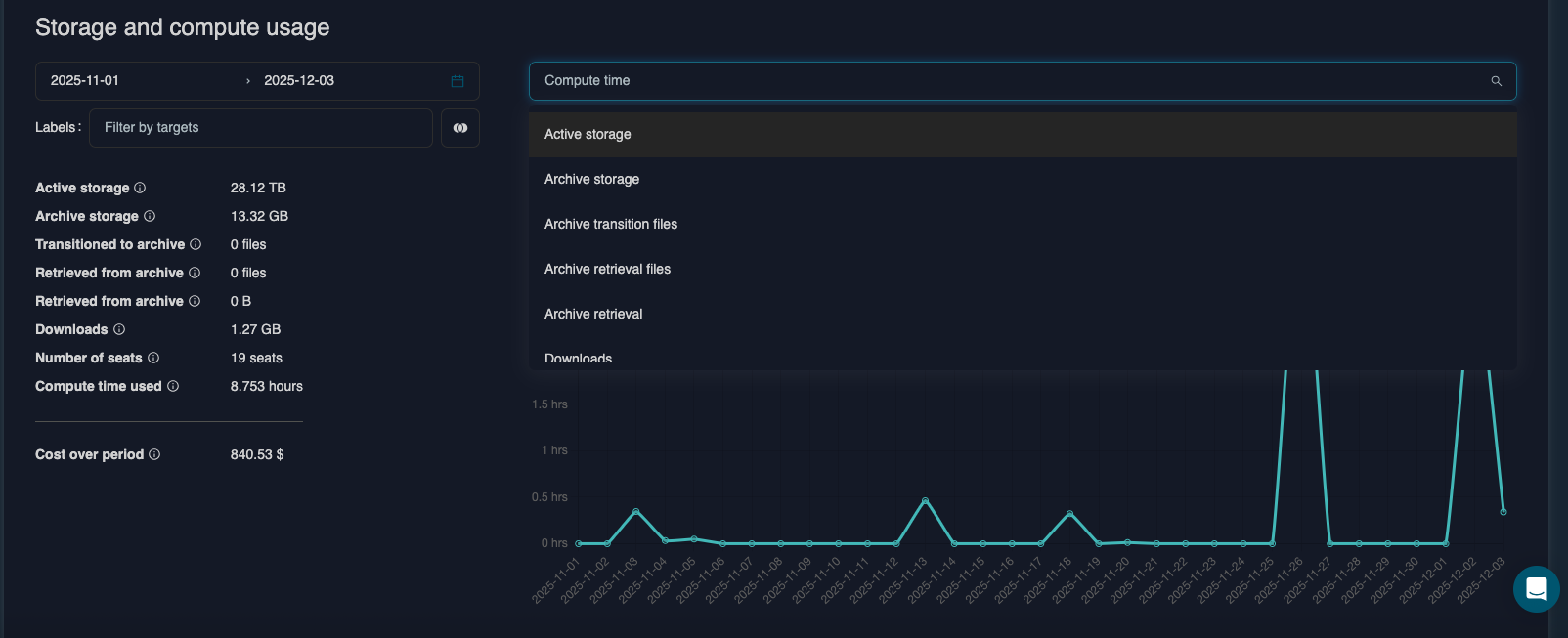
- Select the resource you want to monitor
- Use the graph to inspect the usage for a given resource per day.
- You can provide additional filters for labels or targets to only see the usage associated with those labels.
Next steps
Please contact the support team
- if you observe any deviations from your plan
- to purchase more seats or credits, or arrange a new subscription.